If you are not sure how to make a “quick link” to a bible passage in your blog post, here are some instructions. Note: you can do this with any URL (any link to any website), not just Oremus.
1. Go to Oremus.org and search for the passage you’re citing. (Use the NRSV translation, not NRSV Anglicized)
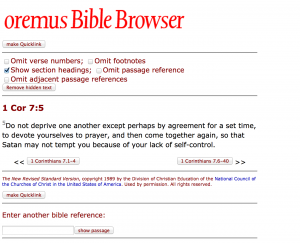
2. Click on the “make Quicklink” button in the upper left, right under the oremus Bible Browser title.
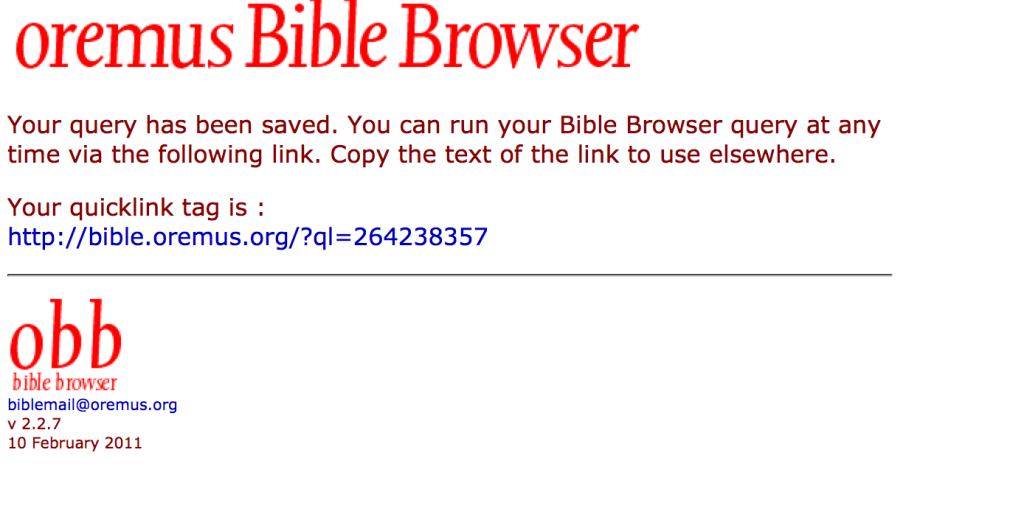
3. In the next window, you’ll see your link (in blue in the pic below). Copy it.
4. When you post your blog, use it to make a link in your blog post. In WordPress you do this by clicking on the little chain link icon at the top of the box where you compose your post.
So, type in the reference (e.g., 1 Cor 7:5), then select it with your cursor so it’s highlighted:
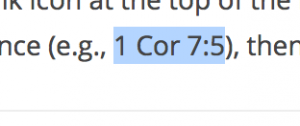
5. When the text is selected, look at the menu bar at the top of your post, and click on the chain link:

5. Paste the URL you copied into the space provided…
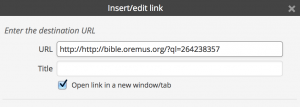
6. …and click the blue Add Link button at the very bottom of the window, and voila, you have your link.
Comments